
How to Get More Storage Space on an iPhone
Running out of phone storage can be frustrating, especially when you’re trying to quickly take a photo or video to capture the moment. It’s why almost half (49%) of UK adults say storage capacity is a key consideration when buying a new phone, according to YouGov.
To help you avoid running out of space, our smartphone experts have shared their top tips for getting more storage on an iPhone. Our range of Apple devices offer up to 1TB of storage, so you can easily find the handset that best suits your needs.
Make use of iCloud
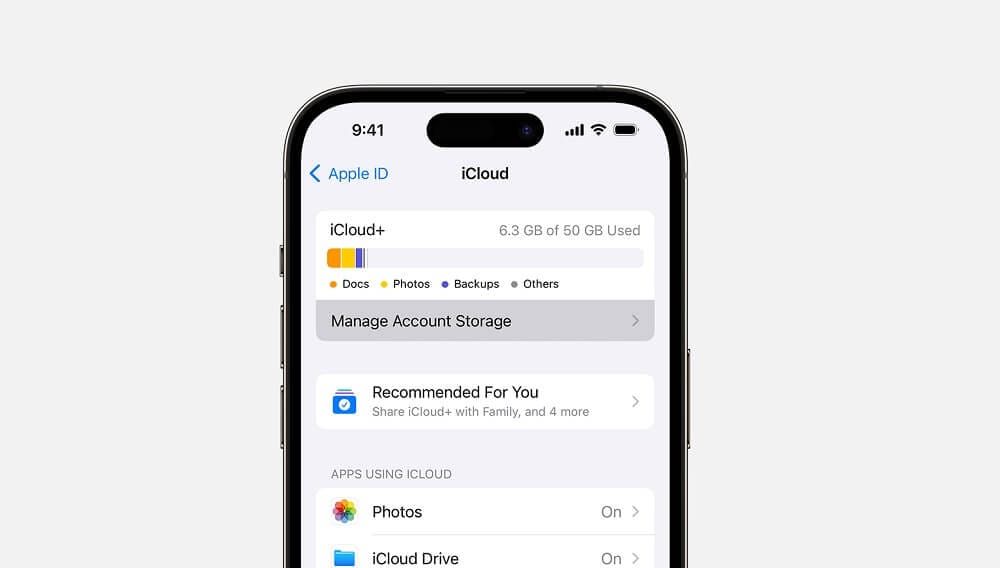
One of the best ways to get more storage on your iPhone is to take advantage of iCloud. All handsets come with 5GB of free iCloud storage, but it’s possible to increase your capacity by upgrading to iCloud+. Here’s how:
- Within Settings, tap your name
- Go to iCloud, then either tap Manage Storage or scroll down to Upgrade to iCloud+
- Either subscribe to iCloud+, or if you already do, you can upgrade your storage plan to buy more space
Optimise iPhone Storage feature
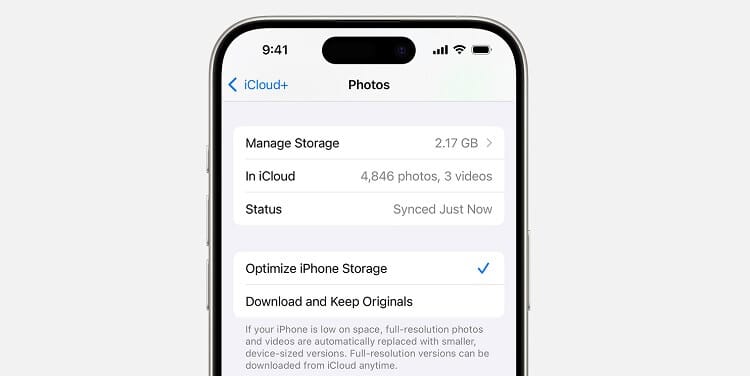
Another way to increase your storage is to use the Optimise iPhone Storage feature within your iCloud Photo Library. This reduces the file size of your photos and videos, while keeping the full-resolution versions safe in iCloud. It’s automatic and works across all your Apple devices. To turn this on:
- Go to Settings, then Photos
- Click Optimise iPhone Storage to activate the feature
External storage
You can also increase your iPhone memory by buying an external storage device. These can offer terabytes of additional storage capacity, and are particularly useful for files that you don’t need constant access to. Just make sure to buy one that can be plugged straight into your iPhone – either a Lightning or USB-C connector depending on your device – or buy an adapter.
Get rid of downloaded e-books
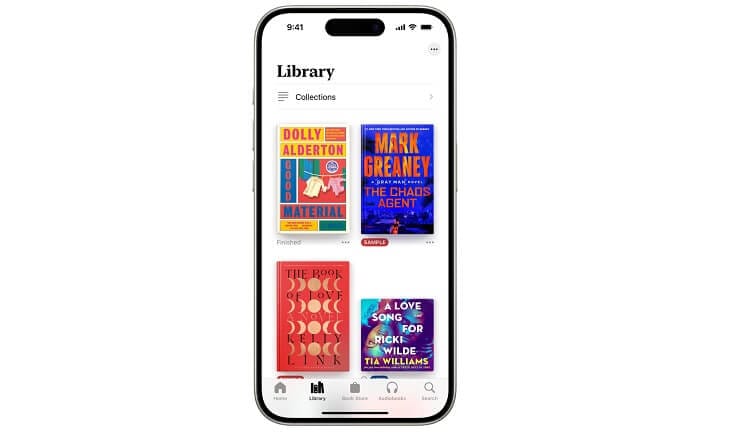
E-books take up about 2MB of memory each when saved onto your iPhone, so by deleting the ones you have read and no longer need, you can create more storage space. If you change your mind and want the book back later, you can re-download it for free, or you can read it online without downloading it to your device.
Delete files you don’t need
One of the best ways to get more storage on your iPhone is to delete anything you don’t need, whether it’s images, videos, apps or documents. Photos and videos typically take up a lot of memory, so prioritise these when freeing up storage space, particularly the largest files. To see the files taking up the most storage:
- Go to Settings, then General
- Tap iPhone Storage and then Review Large Attachments
- Review your files in size order
- Click Edit to select the files you want to delete, or delete all
If you’ve followed these steps and still need more storage, a phone with more built-in storage space might be your best bet. If you want to transfer some files from your old device to a new one, check out our guide on how to transfer data from one iPhone to another.