
How To Recover Notes On An iPhone
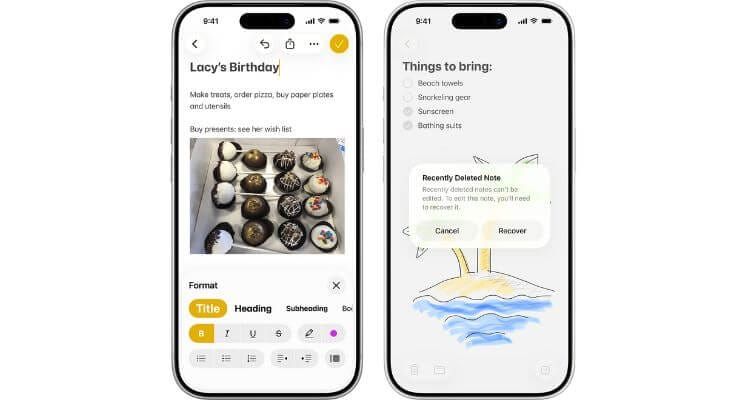
Whether you’ve deleted a note on your iPhone intentionally or accidentally, sometimes you want to get them back. In this guide, we’ll help you recover deleted notes easily and quickly with a few different methods.
Looking to also change up your current iPhone? Take a look through our Apple range for some inspiration with your next handset.
Have a look in the Recently Deleted folder
If your iPhone notes were deleted in the last 30 days, you can usually recover them from the Recently Deleted folder:
- Go to the Notes app
- Open the Folders menu in the top-left corner
- Tap ‘Recently Deleted’ and select ‘Edit’
- Choose a note by pressing the dot next to it and tap ‘Move To’
- Press ‘Notes’ to send the note back to your main folder
Check your iCloud backups
If you’ve enabled iCloud backups for your notes, they might be recoverable from there. To ensure notes are backed up:
- Open the Settings menu and tap ‘Apple ID/Profile’
- Select ‘iCloud’ and make sure the toggle next to Notes is green
Bear in mind that restoring notes from a back-up will also replace any data on your iPhone.
Conclusion
By following one of these methods, you should be able to recover your deleted iPhone notes in no time. Explore our other dedicated iPhone guides for more advice and tips, including the ways you can back up your iPhone in a few steps.