
The Best Travel Planning Apps for iPhone & Android
Modern phones can do much more than just store your boarding pass. There are countless travel apps for iPhone and Android to help you with every part of your trip, from flights and accommodation to managing your money abroad, staying connected and more. But which ones are worth downloading before you head off on your next adventure?
In this guide, we’re going to explore the best travel apps you need to know about. Need a new handset before you go? Check out our latest contract phones, too.
Best apps for planning your trip
TripIt
Available on: iOS and Android | Cost: Free (Pro version available)
TripIt aims to put an end to tedious travel admin. With this app, you can import your booking confirmation emails and it will build an itinerary for you, covering everything from flights, accommodation, vehicle hire, and more. You can access your plans online and offline, share them with fellow travellers, and look back at past trips. The free version of TripIt does a good job of covering the basics, while the Pro version (~£36 per year) provides fare tracking, airport maps and seat alerts too.
This is a great app for saving time and effort, enabling you to keep on top of most key considerations when travelling.
Wanderlog
Available on: iOS and Android | Cost: Free (Pro version available)
If you like to see your trips planned out visually, Wanderlog is worth downloading. This travel-planning app enables you to build detailed itineraries on an interactive map, through which you can plot out accommodation, transport, restaurants, attractions, and more.
Wanderlog is also useful if you’re planning a road trip, as you can see the route plotted out and easily plan stops; making sure you don’t miss something great on the way. The free version offers a reasonable set of features, but the Pro version includes extras such as an AI assistant for place suggestions, offline access (essential if you’re concerned about internet access while travelling) and route optimisation.
PackPoint
Available on: iOS and Android | Cost: Free
If packing for a trip fills you with dread, this app is for you. PackPoint can be used to create a personalised packing list based on your destination, trip length, and the activities you want to do. It can provide clothing suggestions based on the weather forecast to make sure you’re packed for the conditions you might be travelling in.
PackPoint also lets you check off items as you pack them, so once your bags are sorted, you can relax and look forward to your trip without worrying that you’ve forgotten something essential.
Best apps for getting around
Google Maps
Available on: iOS and Android | Cost: Free
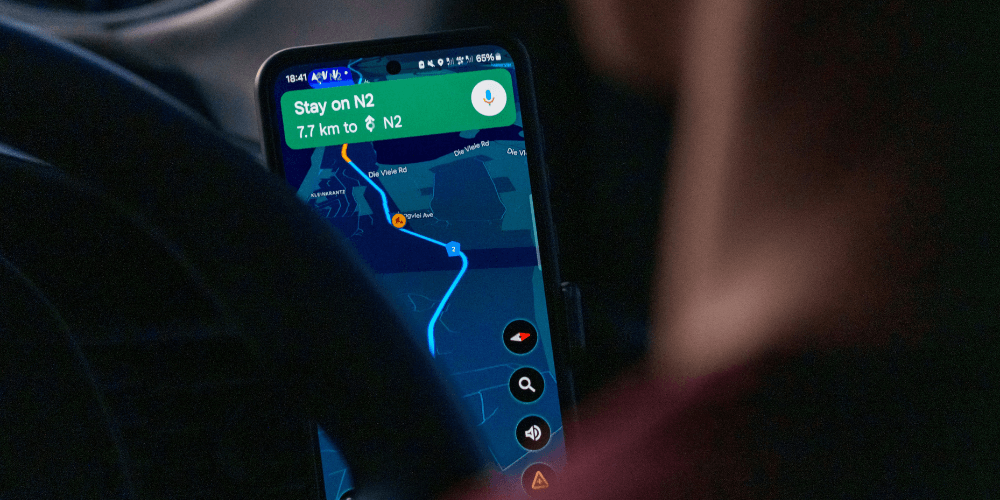
The go-to navigation app for a huge number of travellers, Google Maps provides much more than turn-by-turn instructions; it helps you search for nearby restaurants, services and attractions, check opening times, read reviews, and keep track of places you want to visit. You can also download maps before you travel for offline access when you arrive - very useful for destinations with unreliable connectivity.
Google Maps also helps you monitor public transport in most major cities, with route options and live departures, where available.
Google Translate
Available on: iOS and Android | Cost: Free
If you want to make sure you can communicate on your travels, this app is a must. Google Translate now covers over 240 languages and it can be used with voice, typed text or camera mode - the latter being able to translate signs and menus in real time. There’s no need to worry about getting online or using excessive mobile data either, as you can download languages in advance and use them offline.
It’s worth noting that translations aren’t always perfect - especially with complex phrasing or regional dialects - but it’s nonetheless useful for practical communication.
Uber
Available on: iOS and Android | Cost: Free (rides charged per journey)
You may already have Uber downloaded for local travel, but with the ride-hailing company now covering over 15,000 cities around the world, it can be a very useful international travel tool, too. The app shows you upfront pricing, estimated arrival times and driver ratings before you book, and payments are processed via the app, so you don’t need any local currency to use it.
It should be said that while it’s an international service, Uber isn’t available everywhere. Plus, in some locations, local alternatives may be better value. With this in mind, it’s worth looking up how most people get around your destination before you arrive.
Best apps for flights
Skyscanner
Available on: iOS and Android | Cost: Free
If you’re looking for the best value flights, Skyscanner is certainly worth a download. One of the most widely used flight search apps, it lets you compare prices across airlines and booking platforms, and the ‘whole month’ filter shows you how prices change across different dates, giving you significant flexibility when finding the right price at various times of the year.
Hopper
Available on: iOS and Android | Cost: Free
We highly recommend Hopper as a travel app, due to its excellent functionality for finding good-value travel by helping you time your purchases. It analyses price data for flights and hotels, which can give you some steer on whether to book now or wait to get the best rates.
It’s worth noting that while this is undoubtedly a popular app, user reviews of booking directly through Hoper are mixed. With this in mind it might be best to use Hopper to find the best time to book, and then complete your purchase directly through the airline or accommodation.
Flightradar24
Available on: iOS and Android | Cost: Free (subscription for advanced features)
If tracking flights is your thing, Flightrader24 is a great app to download. It tracks flights in real time on an interactive map, showing live positions, altitude, speed and route information. It’s particularly useful when you’re meeting someone at an airport and you want to see exactly when a flight is arriving, or to learn more about delays.
The subscription tier gives you features like extended aircraft and flight history, more flight data, and additional weather information.
Best apps for accommodation
Booking.com
Available on: iOS and Android | Cost: Free
Booking.com gives you a huge selection of accommodation around the world, from hotels to apartments, hostels and guest houses. You can filter by price, location, rating and facilities, and the map view helps you decide which options will work best for your travel plans.
Many listings allow free cancellation, so you can book and change your mind if you need to. Needless to say, we consider the Booking.com app an essential travel companion.
Airbnb
Available on: iOS and Android | Cost: Free
Airbnb needs little introduction, being a mainstay in the travel accommodation space for years. It offers an array of places to stay, from hotels and self-catering apartments to villas, cottages, or a room in a home. You can filter by property type, price and amenities, and the ‘host reviews’ feature gives you a realistic idea of what to expect when you arrive.
Airbnb is particularly useful for longer stays, group trips and destinations where the local holiday rental market is strong.
Conclusion
Getting a selection of the best travel apps downloaded before you head off is wise, so once you arrive, you’re set for a great trip.
If you want to learn more about useful apps to have on your phone, such as the top note-taking apps, we have a wealth of handy guides to explore.