
Refined Design 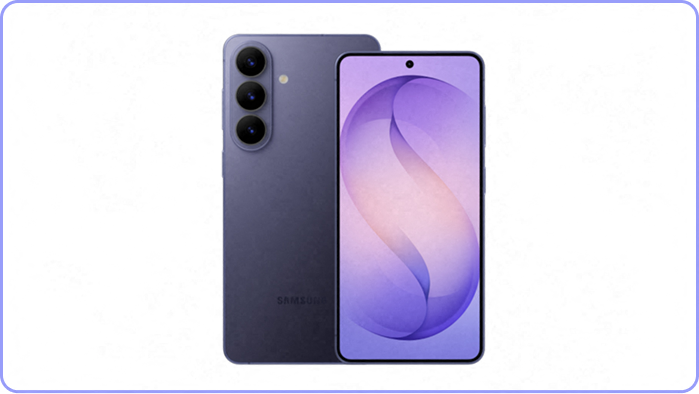
Performance 
Nightography Video1 
Photo Assist2 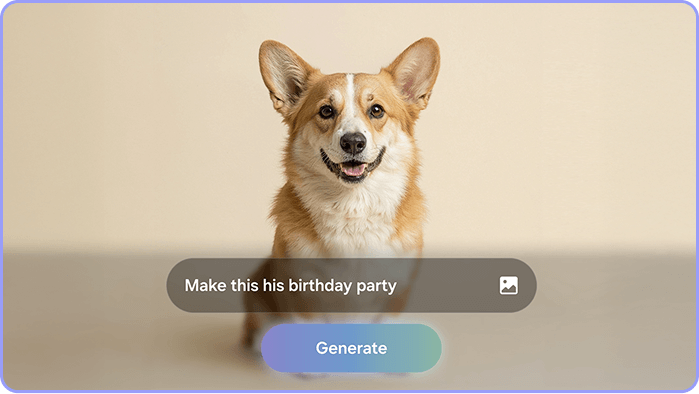
DESIGN
Refined. Sleek. Slim
Refined Design
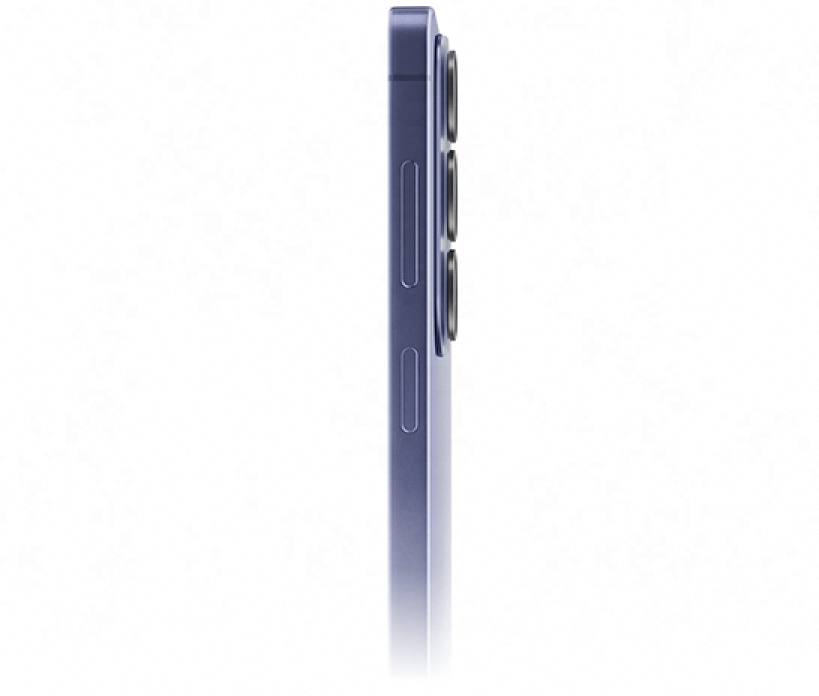
The new ambient island camera design unifies the lenses into a single, polished feature for a refined, next-level look.
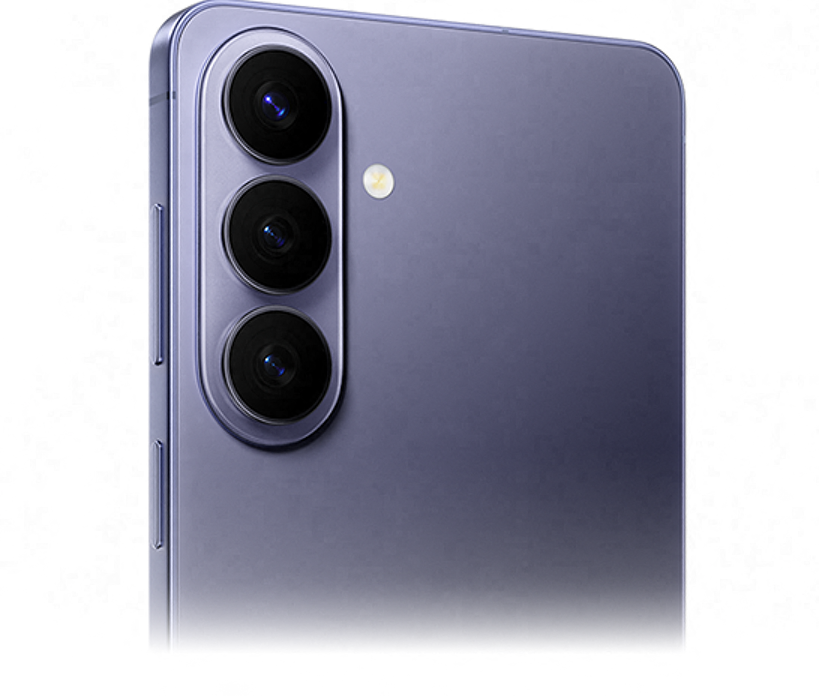
Sleek and durable
Reinforced in Armour Aluminium and Corning® Gorilla® Glass Victus® 2, and engineered for water resistance, this Galaxy was designed for lasting strength.3,4,5
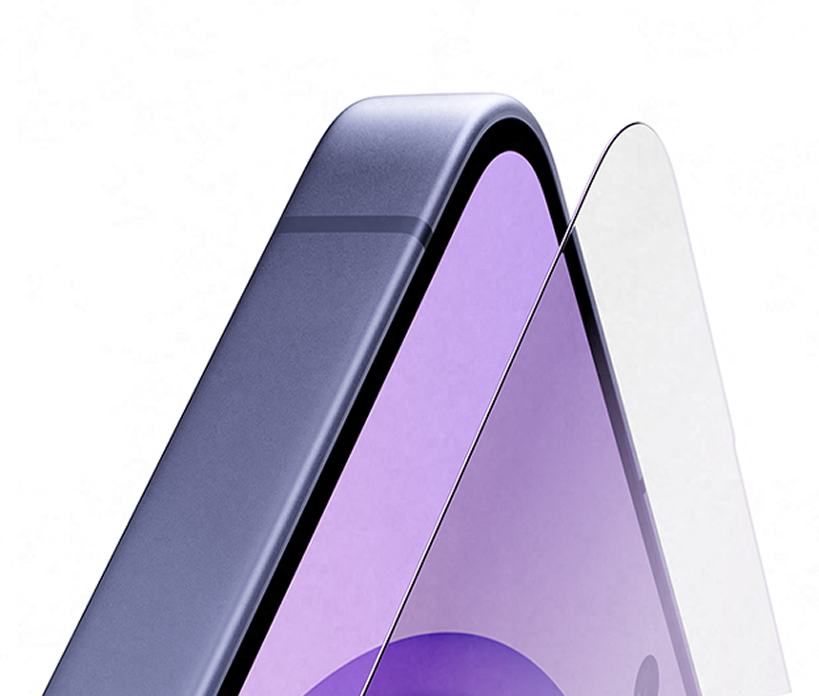
Slim and refined
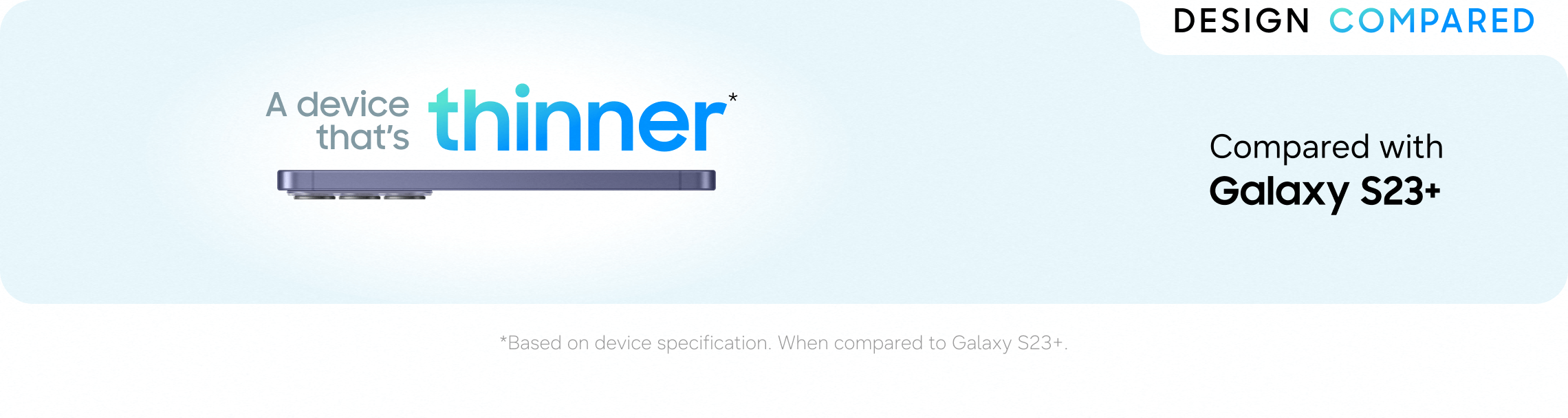
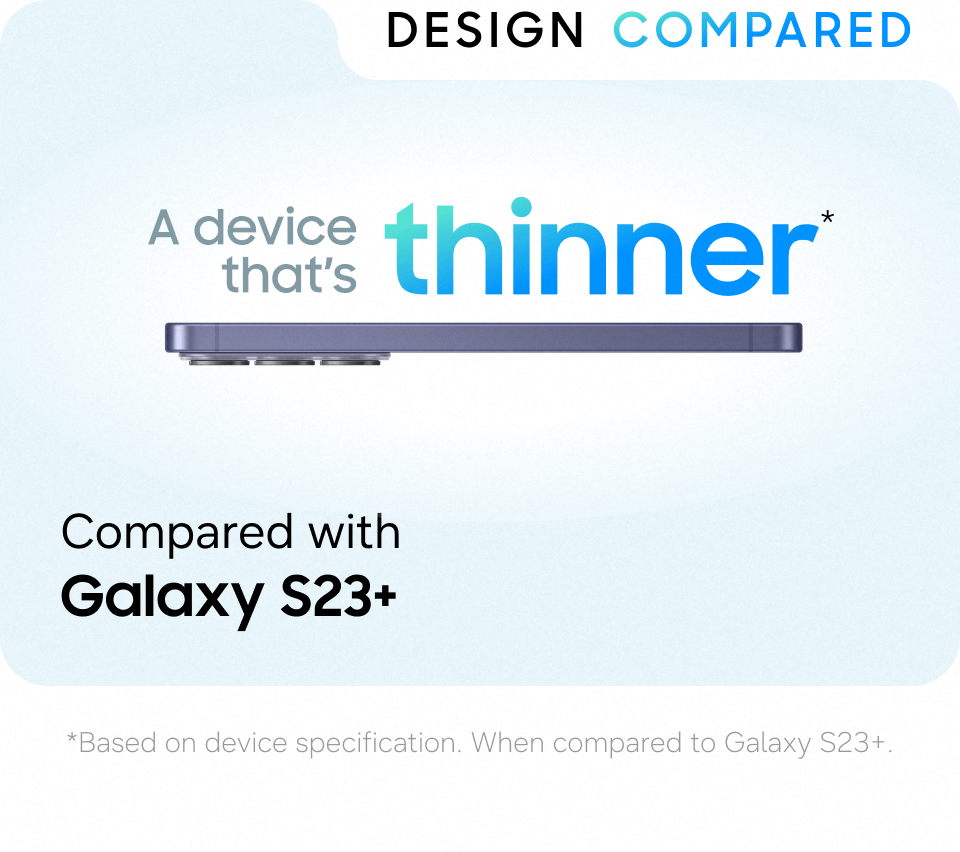
The slim design offers refined comfort and premium effortlessness.
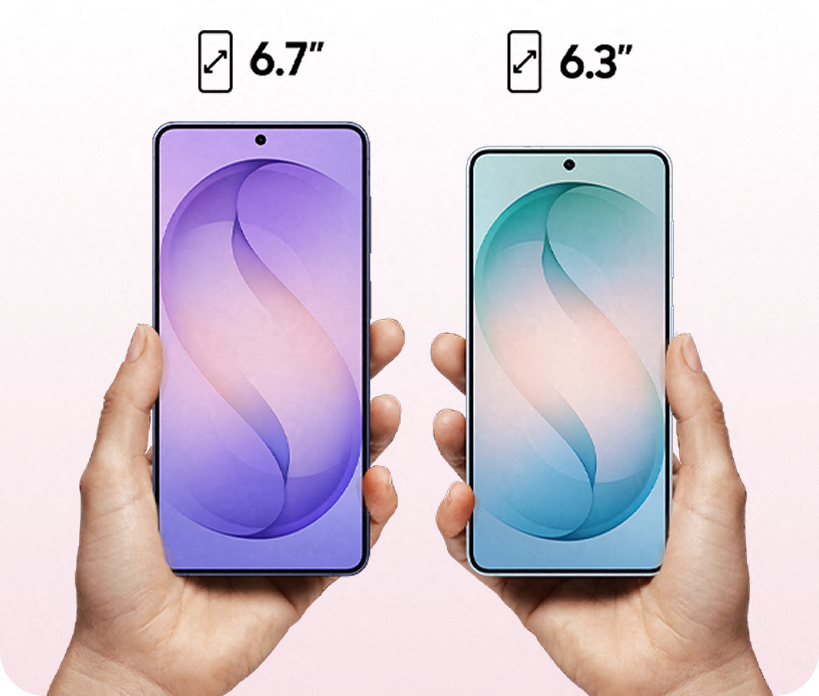
See the difference
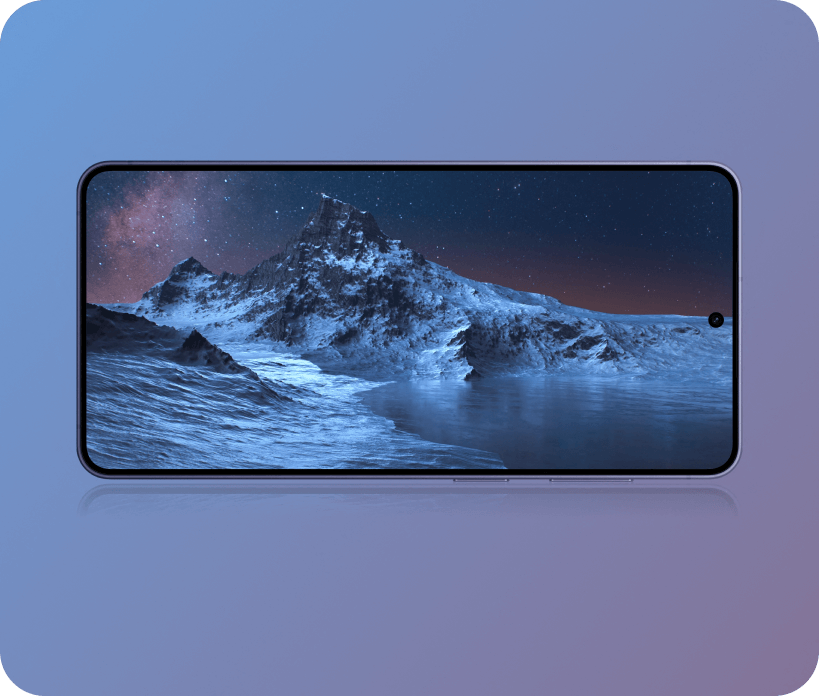
Get your hands on the 6.3" Galaxy S26 display or expand your view even more with the 6.7" Galaxy S26+.6
PERFORMANCE
A different level of immersion
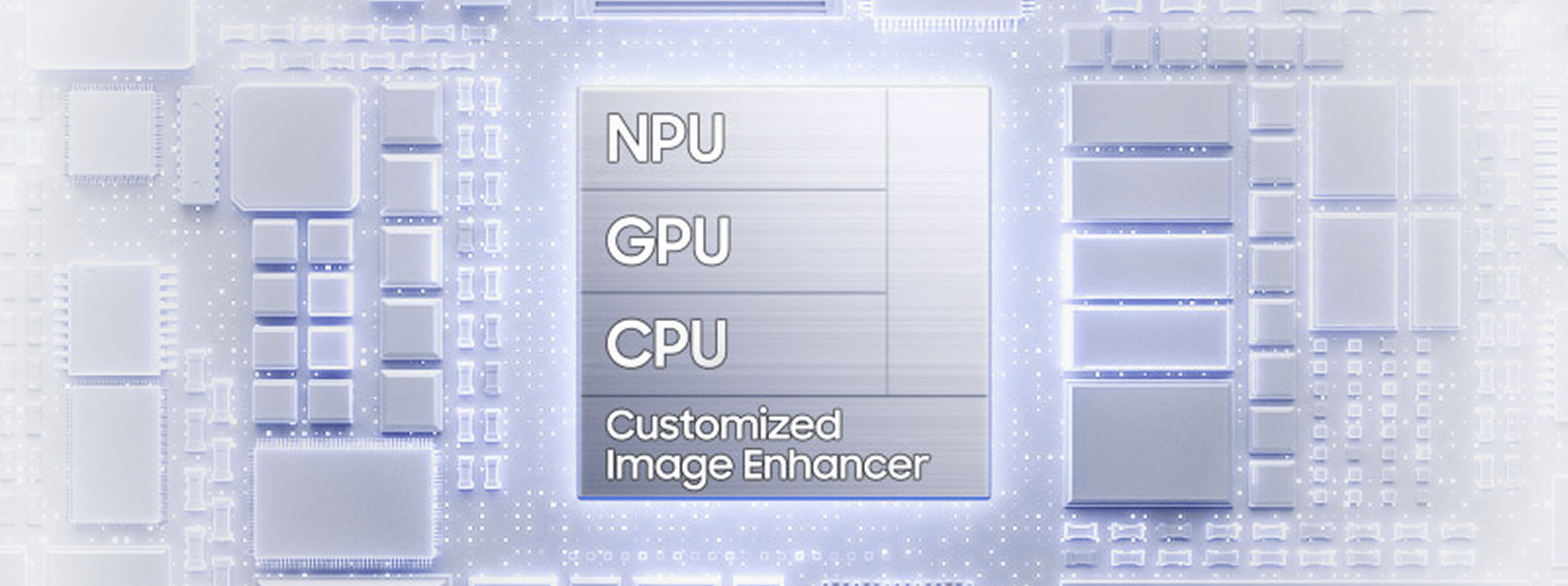
NPU
38%
faster AI
performance
performance
GPU
23%
improved graphics
performance
performance
CPU
17%
faster
processing
processing
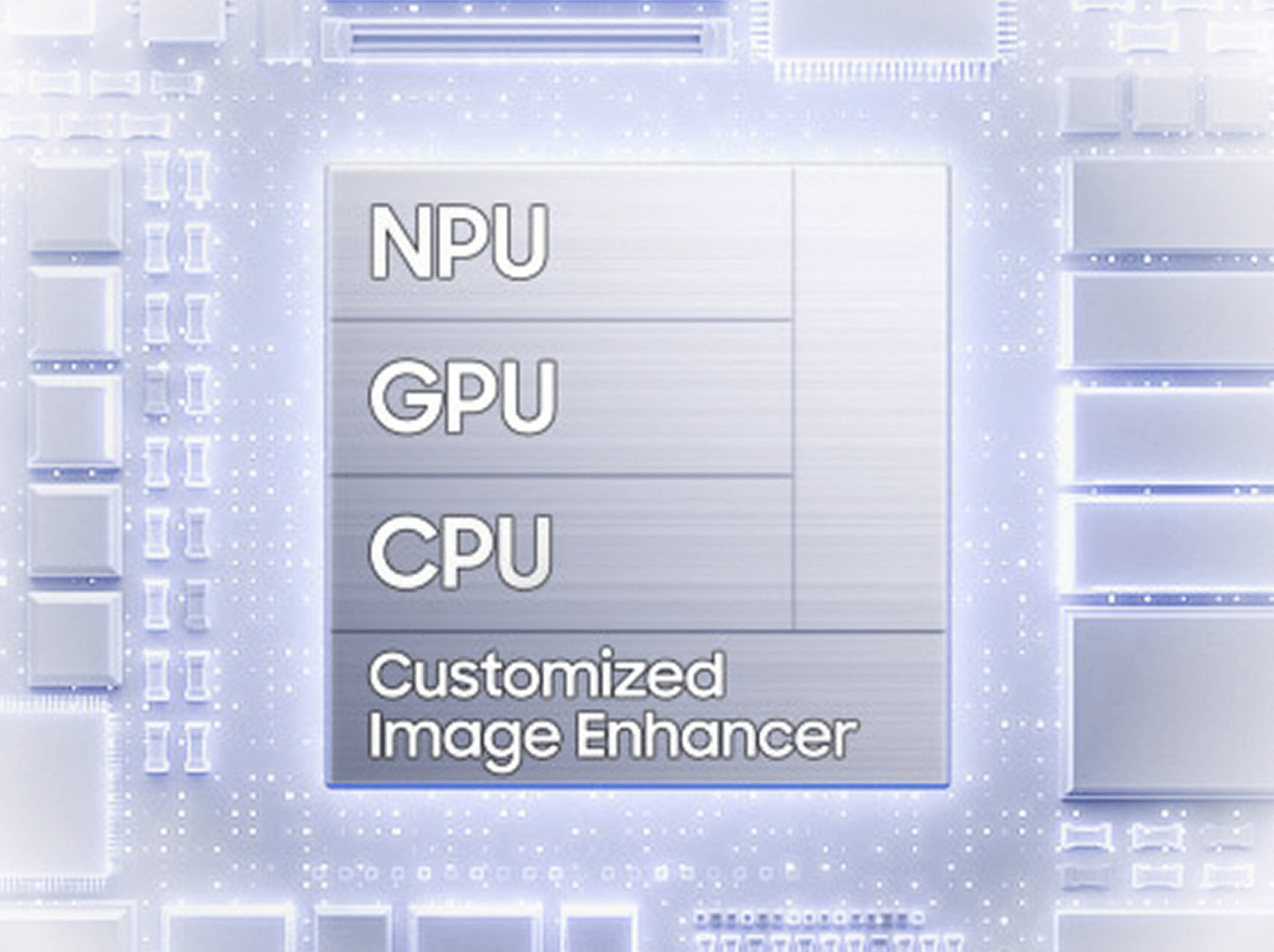
From epic quests to real-time multiplayer, the customised processor delivers blazing speed and powers a customised image enhancer that helps content look clear and vivid.7,8
Upscale your viewing experience
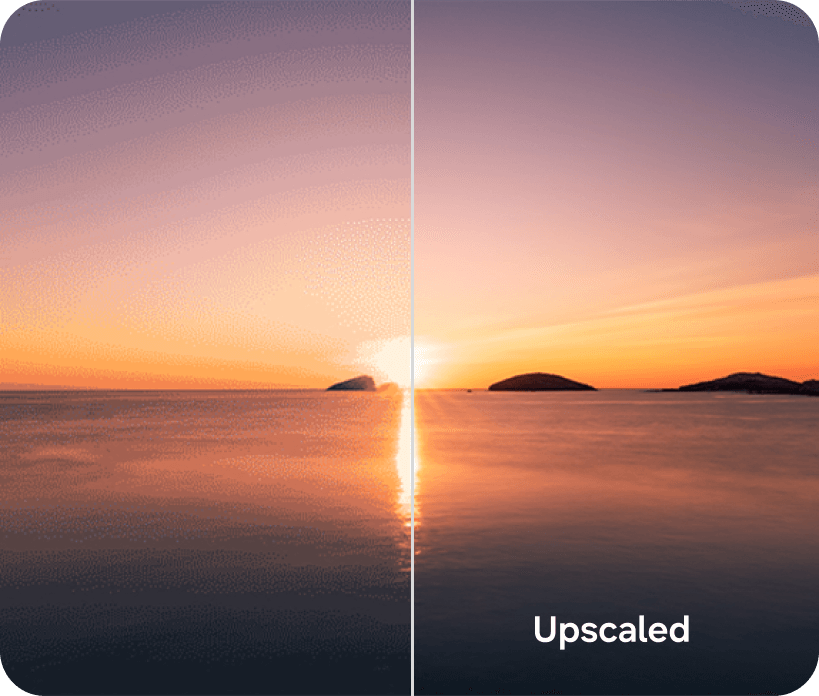
Enhanced colour and light representation from our advanced mDNIe technology delivers 4x better processing precision for richer tones. ProScaler also provides true-to-life details for an immersive experience.9,10
Play longer. Stay cooler
Stay cool when the action heats up. The redesigned Vapour Chamber and tailored thermal interface material (TIM) support the high-performing customised processor during demanding sessions. By spreading heat more efficiently, they provide up to 29% enhanced heat dissipation for cooler operation.11,12
Power up quickly
Your day, uninterrupted. Super Fast Charging 2.0 gets you back to full power in no time - up to 69% charge in around 30 minutes - and keeps you in your flow.13,14
Up to
69%
Charge in around14
30mins

CAMERA
Picture. Perfected
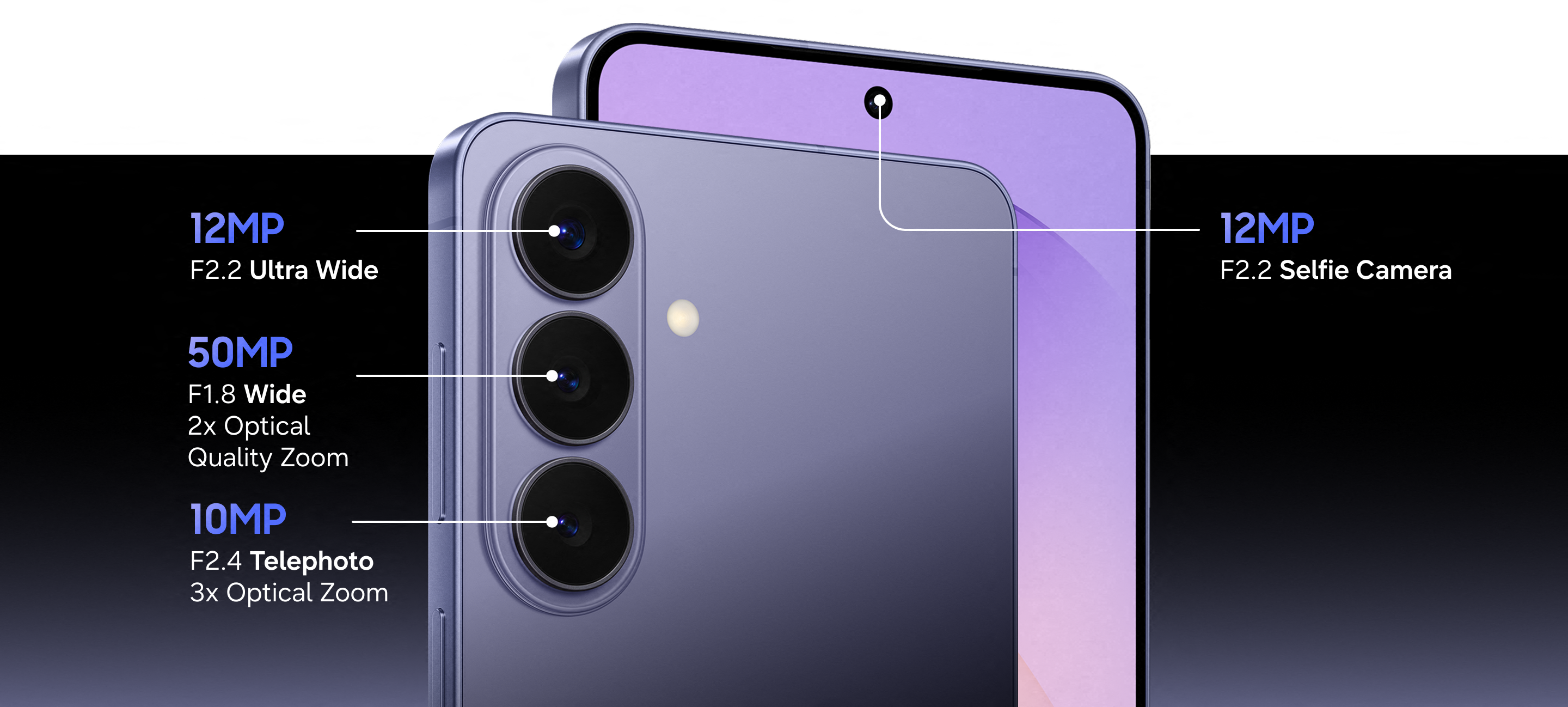

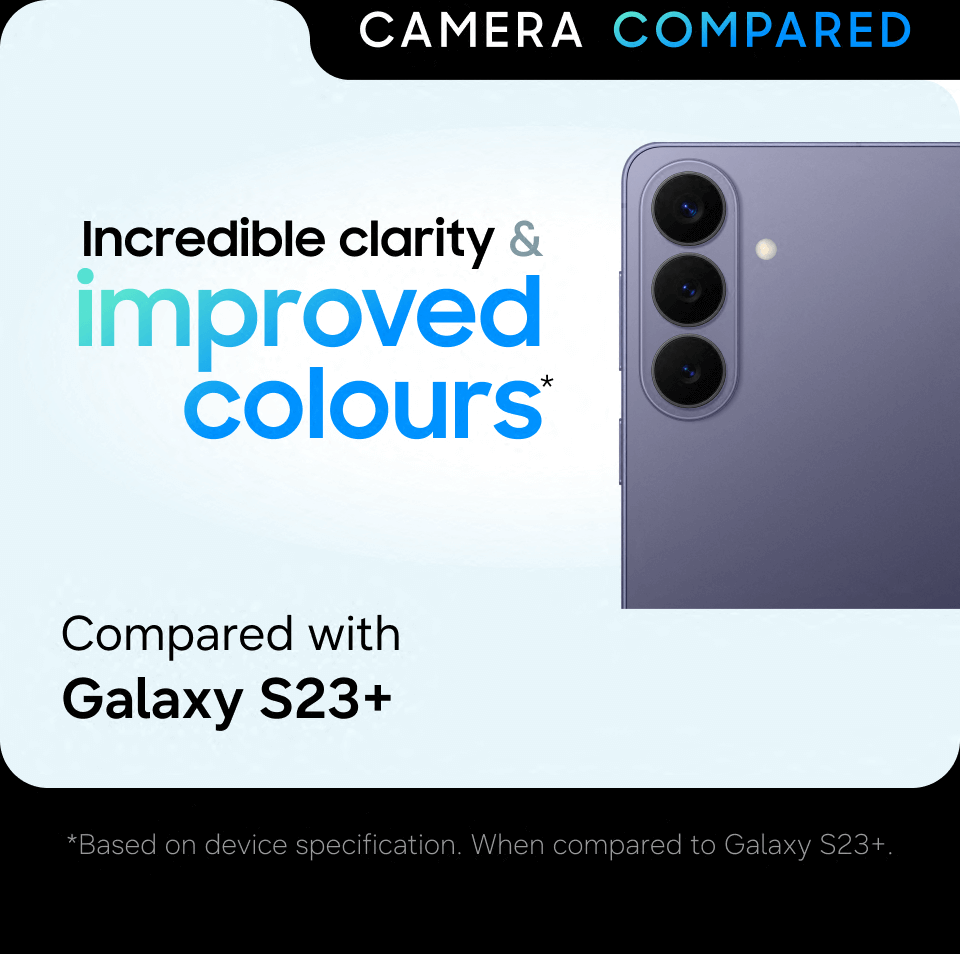
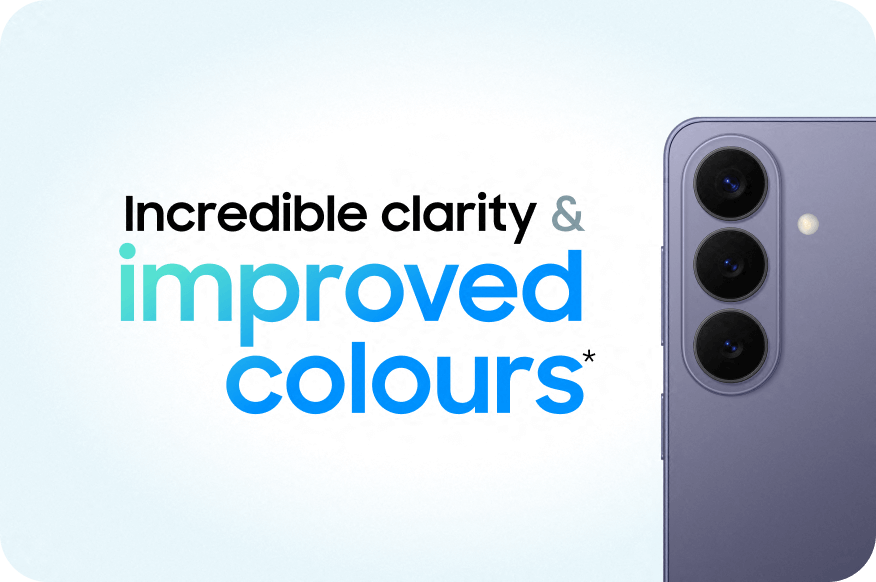
Powered by ProVisual Engine, the advanced 50 MP camera elevates every shot, enhancing your subjects with smarter detail, richer colour and clarity that keeps up with your imagination.1,9,15
Clear and bright, even at night
Breathtaking cameras with wider apertures on Galaxy S26+ help you capture the best Nightography Videos. AP-driven image processing brightens scenes, sharpens details and reduces noise even in dark environments.1

Super Steady Video, even on the go
Super Steady's Horizontal Lock feature combines expanded optical angles with gyro and acceleration sensors to recognise the direction of gravity and keep your shots level, even if you rotate a full 360°.16
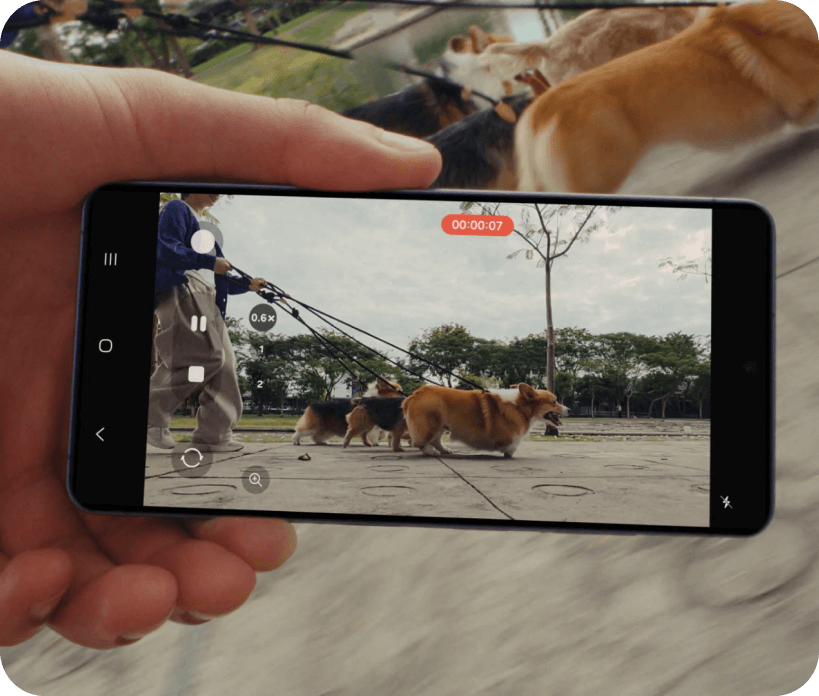
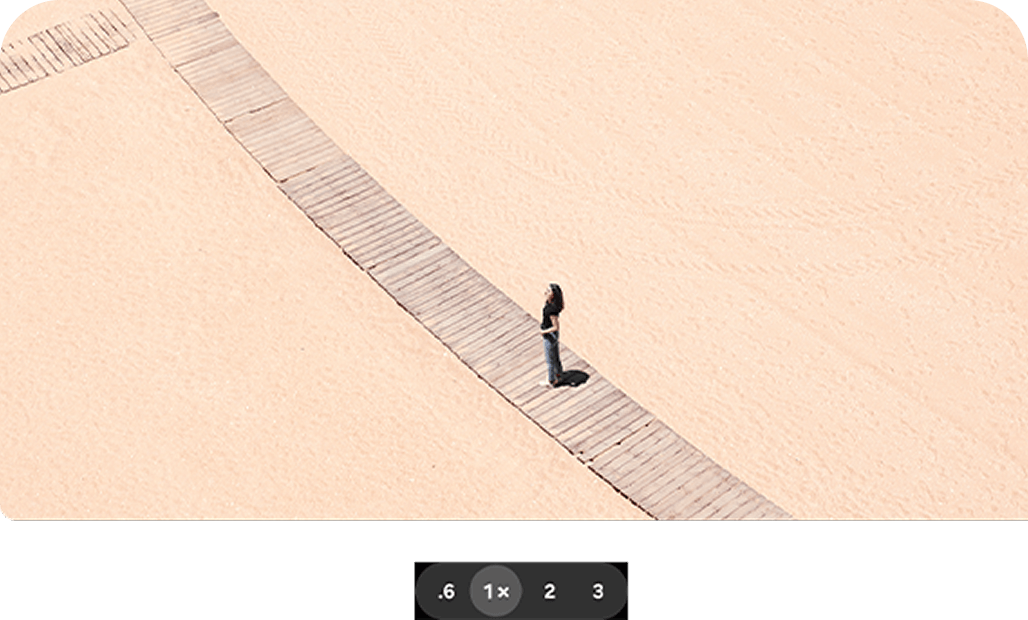
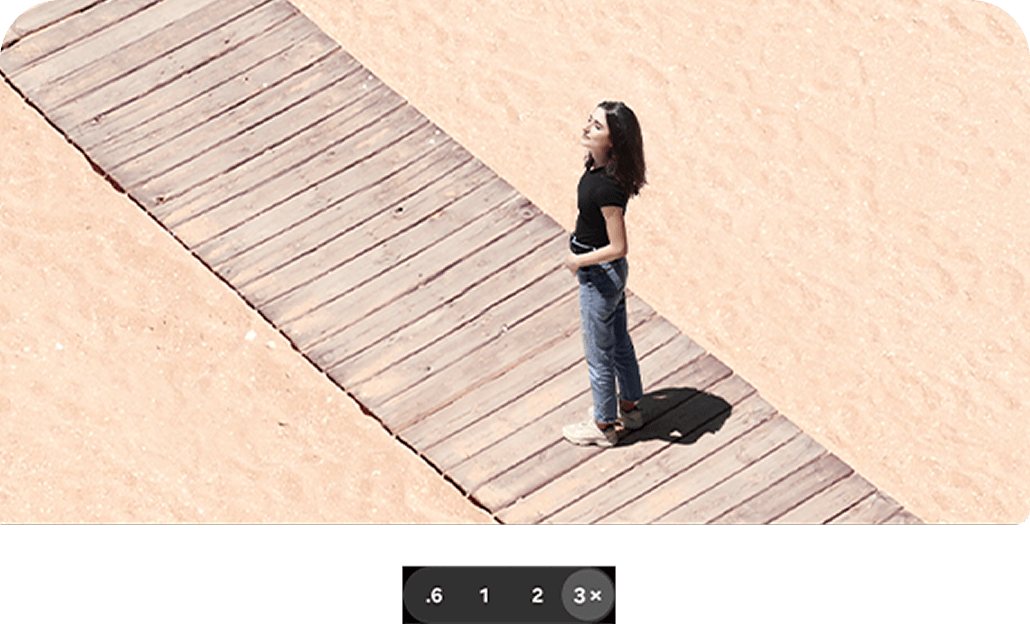
Close. Closer. Whoa15
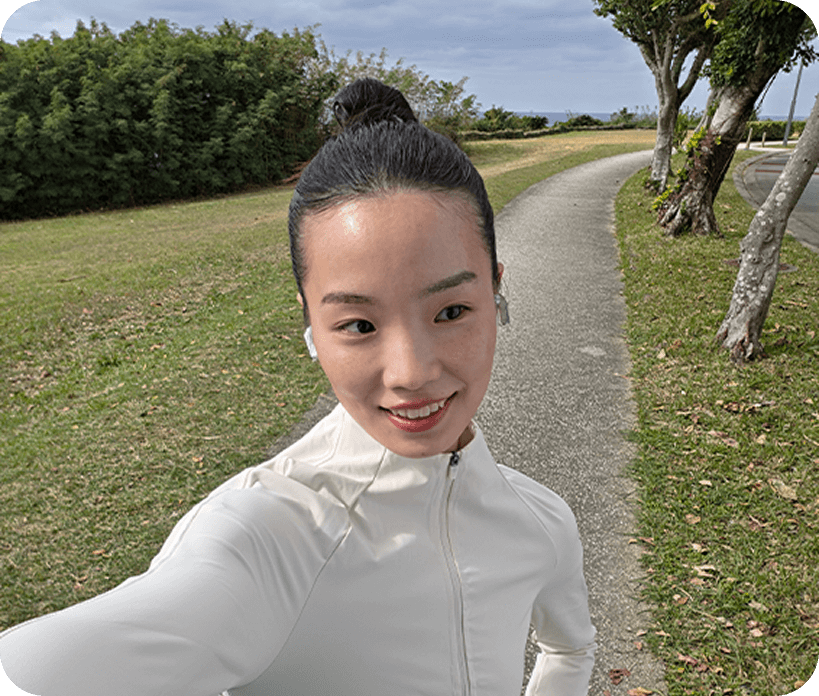
Make every selfie your best shot
Galaxy S26+'s front cameras now feature AI (ISP) for more natural selfies with highlights and shadows - true to your natural skin tone and other details such as hair and eyebrows, just as your eyes see them.1,9
AI
The phone that thinks ahead
Studio-level edits. Built in
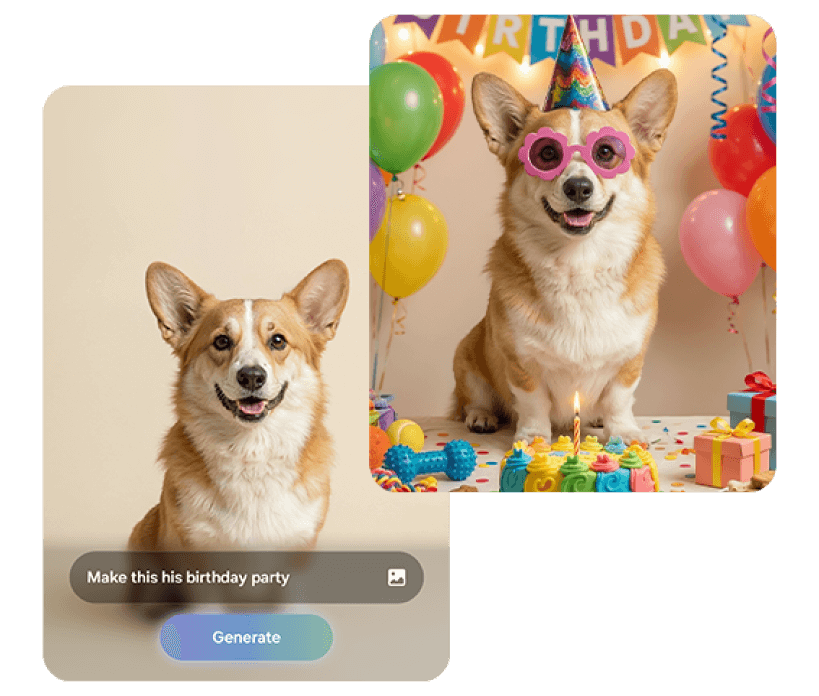
Photo Assist provides quick and easy photo editing with just a few words and AI. Add objects such as accessories on photos of your pet by naturally describing the edits you wish to make, and Galaxy AI will realise your vision in minutes.2
From photos to stickers in a tap
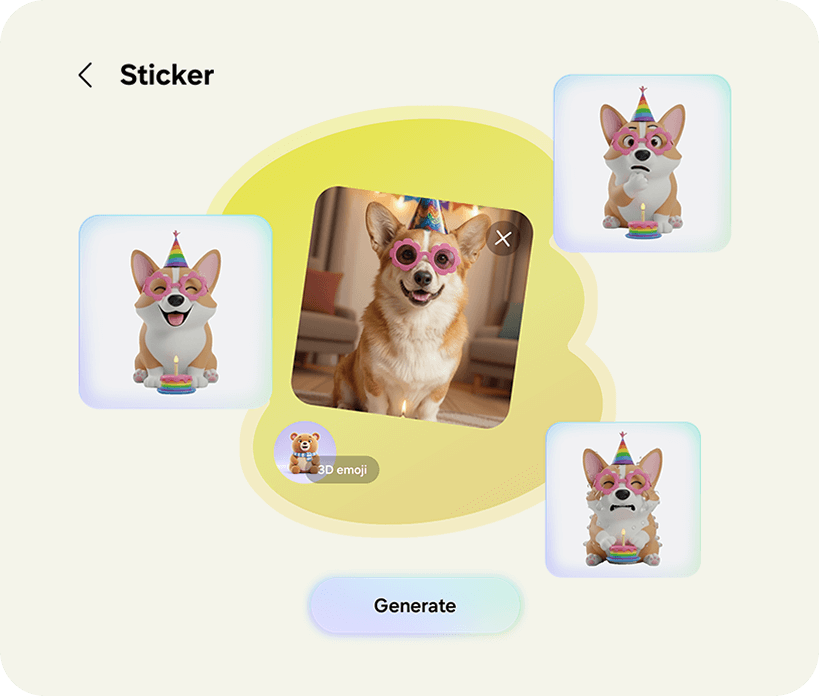
Mix sketches or photos with text that match your imagination. With a simple text description or a rough sketch outline, Galaxy AI produces the creations. Then, add the stickers to your keyboard or share it with your friends.17
Real-time suggestions when you need it
The new Now Nudge can pick up on context on your screen and prompt you with helpful shortcuts. It intelligently minimises the steps to your next action and even provides Autofill suggestions.18

Find it fast and easy
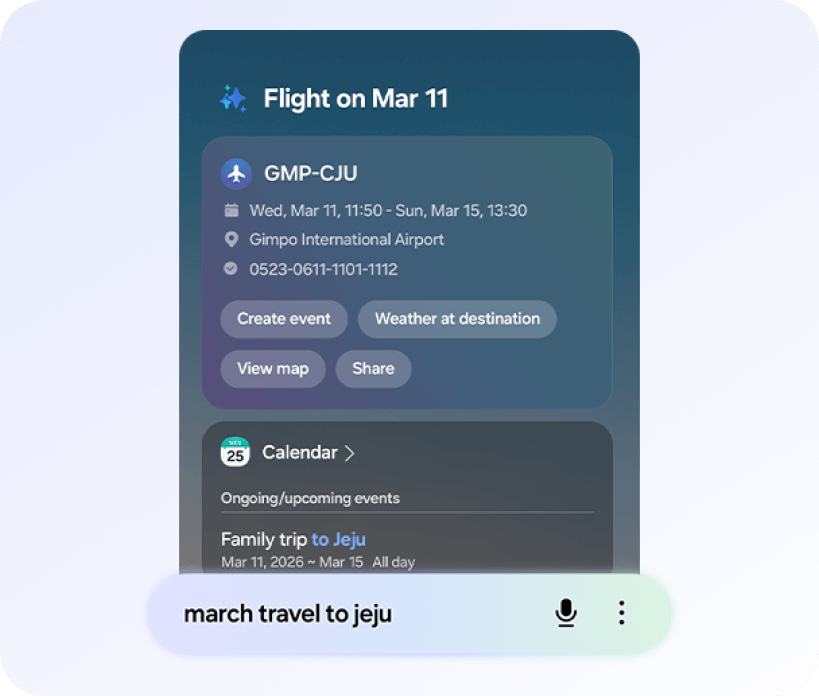
Reservation and appointment details are now just a quick search away. On the home screen, use Finder to look for information, then one search brings everything together helping you to remember where things are.19
On-device protection
Our Personal Data Engine gathers and processes your personal data safely. Then it encrypts that data and saves it onto your device with KEEP and Knox Vault, making it harder for anyone else to gain access.20,21
Knox Matrix Trust Chain technology provides security across Galaxy connected devices so you can monitor the security of other devices right from your Galaxy smartphone.
Take control over your Galaxy AI. You decide where it gets processed, either on-device or in the cloud.
Knox Matrix Trust Chain technology provides security across Galaxy connected devices so you can monitor the security of other devices right from your Galaxy smartphone.
Take control over your Galaxy AI. You decide where it gets processed, either on-device or in the cloud.

Your Galaxy. Your way
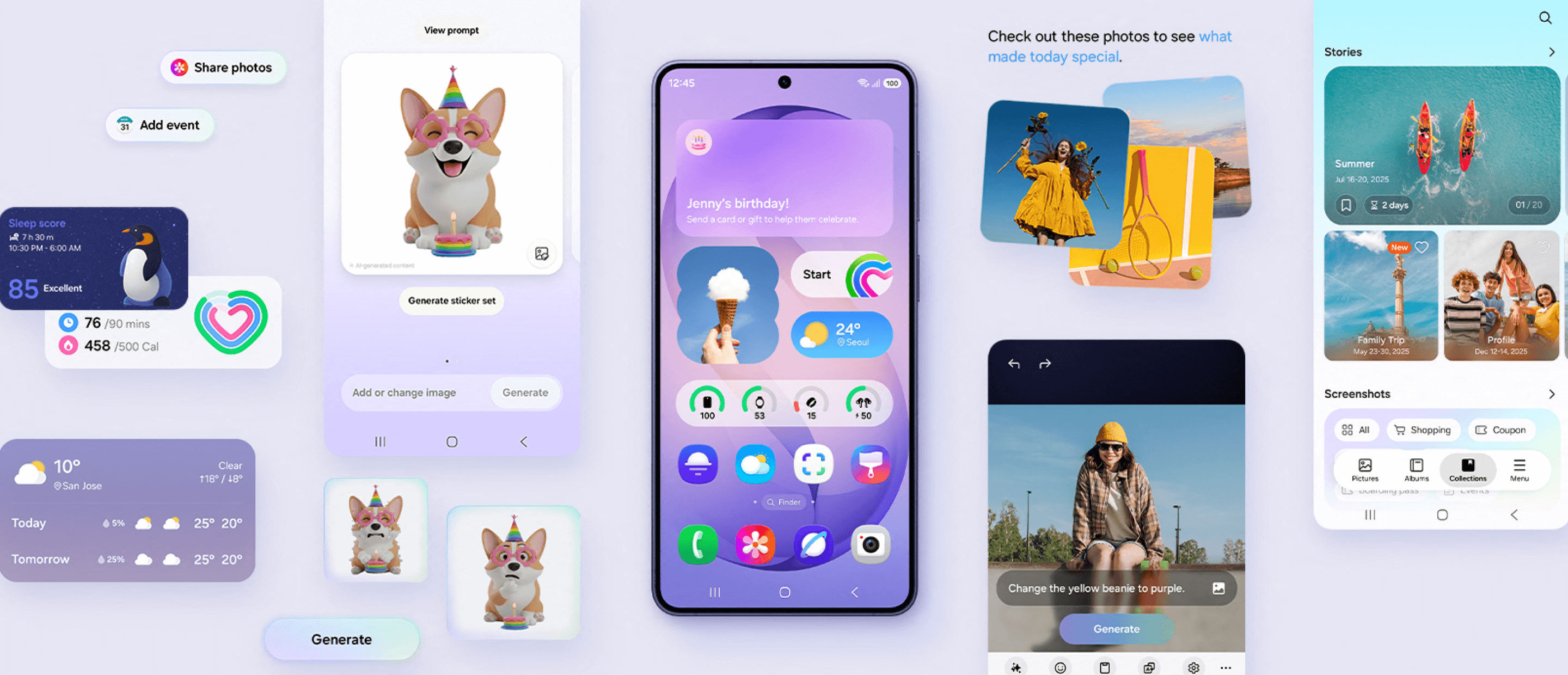
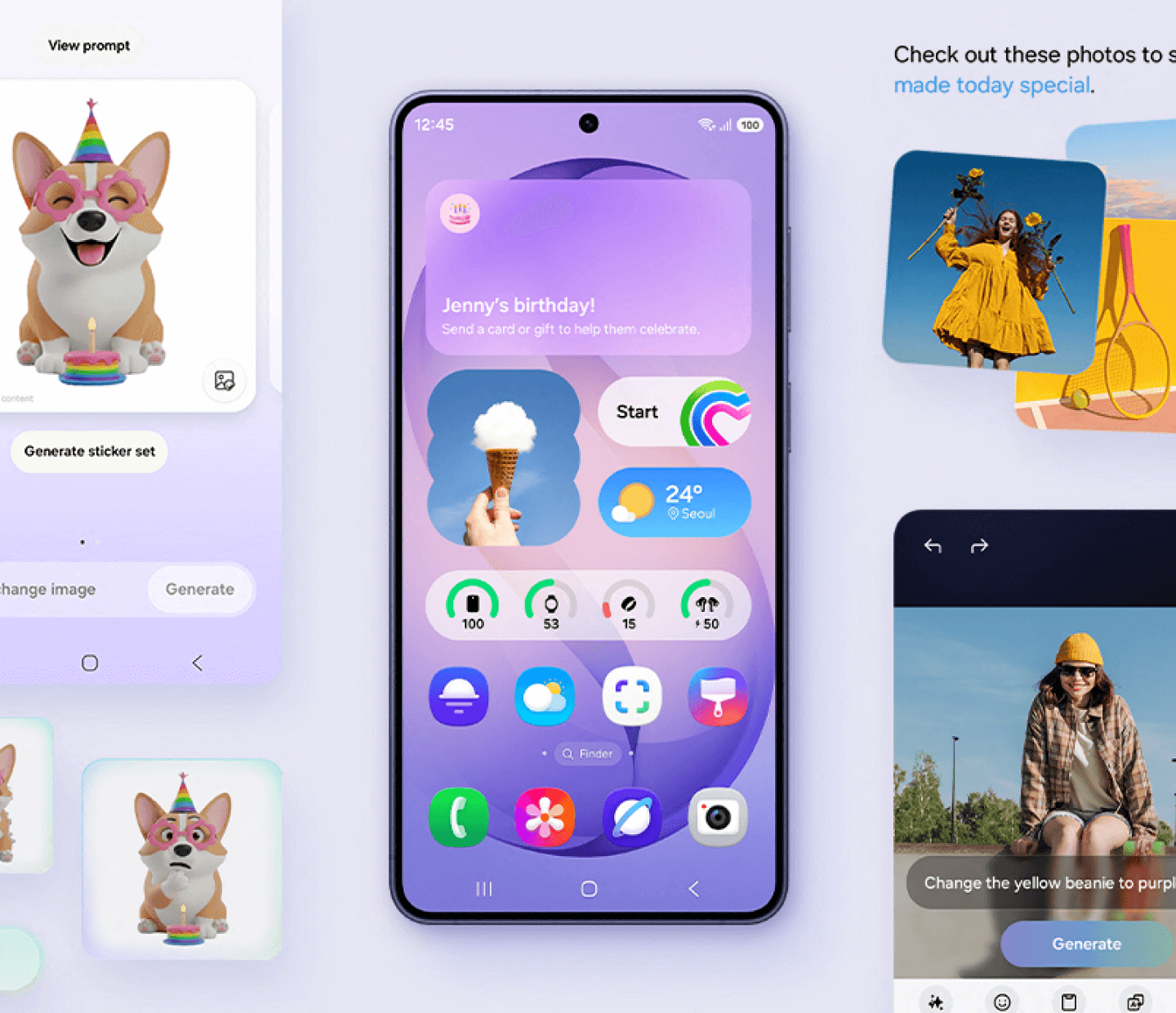
One UI 8.5 personalises your Galaxy based on how you use it day-to-day. Designed to be simple and intuitive, contextual reminders from Galaxy AI features make daily tasks easier in just a tap.18,22,23

See what's improved

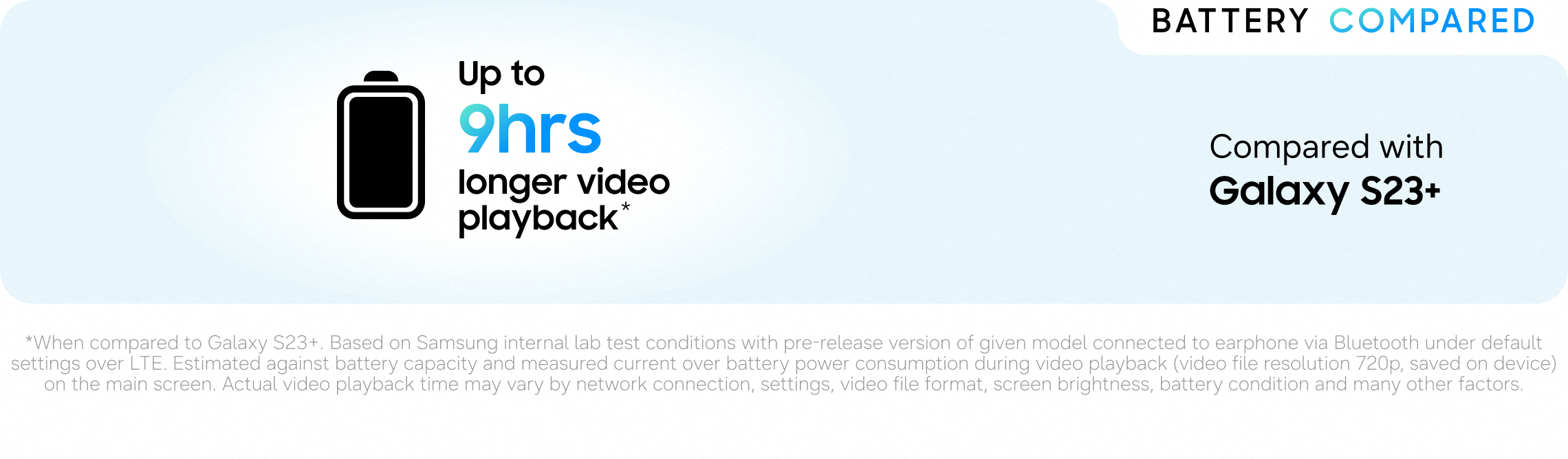
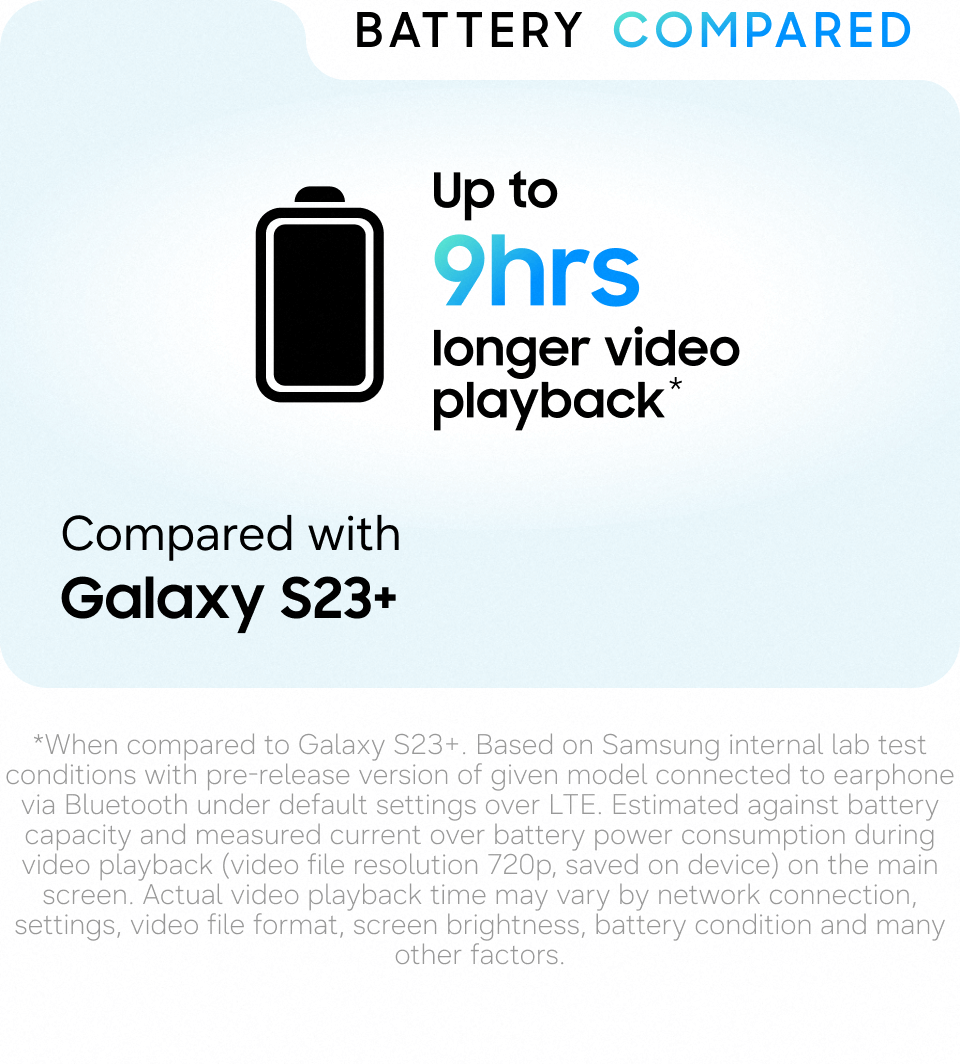
Compared with Galaxy S23+

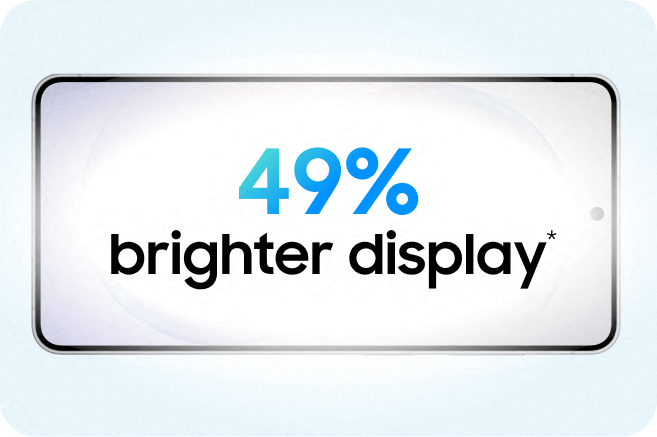

*Based on device specification. When compared to Galaxy S23+. **When compared to Galaxy S23+. Based on Samsung internal lab test conditions with pre-release version of given model connected to earphone via Bluetooth under default settings over LTE. Estimated against battery capacity and measured current over battery power consumption during video playback (video file resolution 720p, saved on device) on the main screen. Actual video playback time may vary by network connection, settings, video file format, screen brightness, battery condition and many other factors.
1.
Results may vary depending on light condition and/or shooting conditions including multiple subjects, being out of focus or moving subjects.
2.
Photo Assist may require a network connection and Samsung Account login. Service availability may vary by country, language or device model. Photo Assist may result in a resized photo. A visible watermark is overlaid on the image output upon saving in order to indicate that the image is generated by AI. The accuracy and reliability of the generated output is not guaranteed.